How to print Instagram DMs for court
Print Instagram DMs for court: capture the thread with the handle and timestamps visible, record vanish-mode limits, and export one numbered PDF exhibit.
Written by the ThreadProof team · Last updated · About the team
Changelog: Added vanish mode limits and handle capture guidance.
Quick answer
Capture the Instagram direct message thread in order with the account handle visible at the top and the time markers in frame, capture the sender's profile once, and combine the screenshots into one PDF with a cover page and continuous page numbers.
Instagram direct messages are captured the same way as any other thread, with two extra problems: the handle can be changed by its owner, and vanish mode removes messages after they are seen.
Capture the handle and the profile, capture early if vanish mode is in use, and keep the original screenshots.
Steps
- Capture the handle first. Take one screenshot showing the account handle and picture at the top of the thread before you start scrolling.
- Screenshot the thread in order. Capture from the start of the range to the end with a small overlap so no messages fall between images.
- Keep the time markers in frame. Instagram shows a day or time marker above groups of messages. Do not crop those out to fit more bubbles.
- Capture the profile page. Open the sender's profile and capture it, so the handle, name, and bio at the time of capture are recorded.
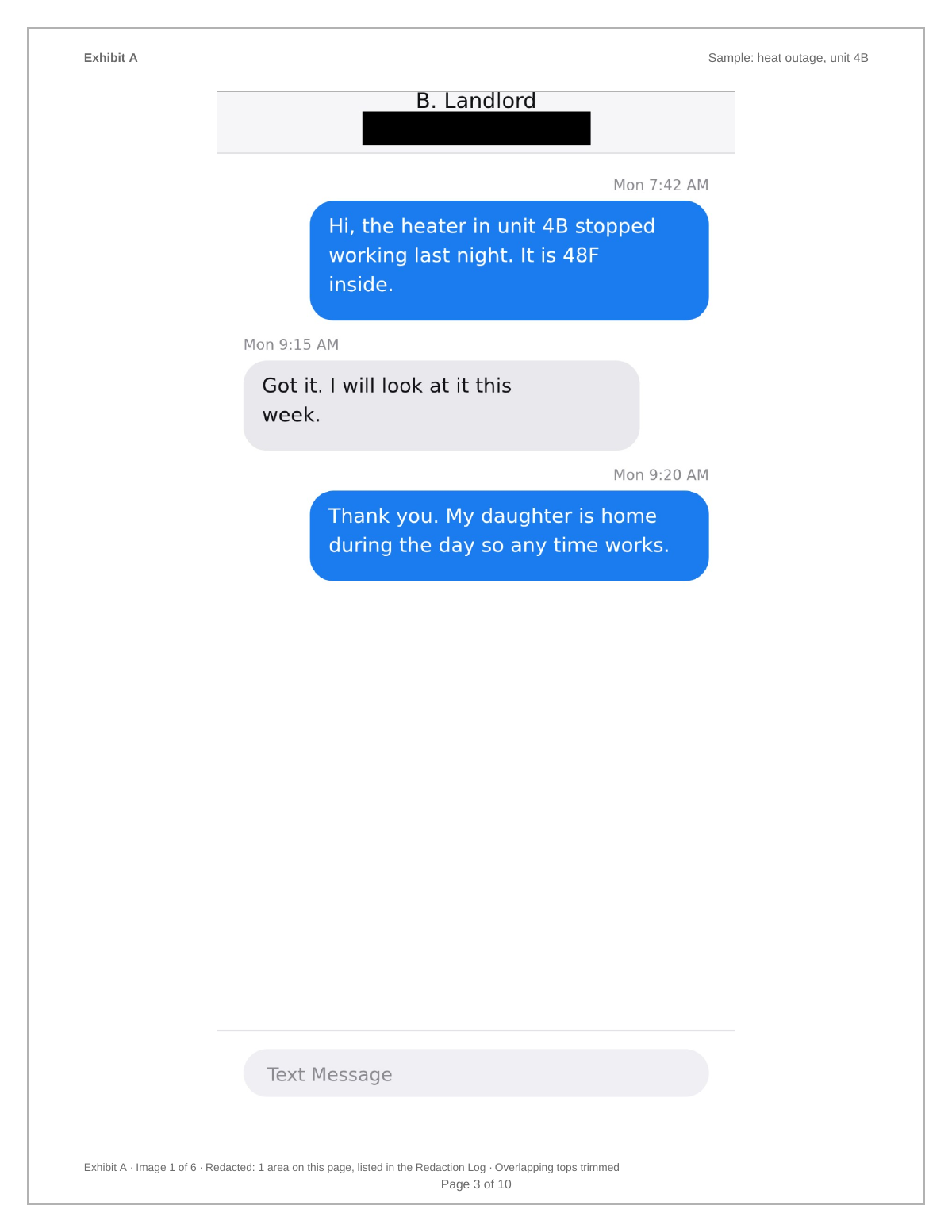
- Export one numbered PDF. Add the images to ThreadProof, redact unrelated accounts with solid boxes, and export a numbered PDF naming Instagram on the cover page.
Vanish mode and unsent messages
Instagram lets a sender unsend a message and offers vanish mode, where messages disappear after being viewed. Neither can be recovered from your device afterwards. If a conversation is heading somewhere that matters, capture as you go rather than later.
Handles, display names, and screenshots of stories
A handle can be changed and reused. Recording the profile page alongside the thread ties the messages to an account as it existed on the day you captured it. Story replies appear inside the thread and should be captured with the story preview visible where possible.
- Capture handle plus profile page.
- Capture story previews inside the thread.
- Note the capture date on the cover page.
What to include
- The account handle at the top of the thread.
- Day and time markers within the range.
- A capture of the sender's profile page.
- Story replies with their preview visible.
- A redaction log for unrelated accounts.
Common mistakes
- Waiting to capture a vanish-mode conversation.
- Cropping out the handle.
- Assuming an unsent message can be recovered.
- Presenting bubbles with no time markers.
- Editing a screenshot to add a name.
What the PDF should contain
- Cover page naming Instagram, the handle, and the range.
- Profile capture page.
- Chronological thread screenshots.
- Page numbers with a total.
- Redaction log and hash appendix.
Build this exhibit on your phone
Add your screenshots, redact what should not be in the record, and export a numbered PDF. Nothing is uploaded.
Frequently asked questions
- Can I save Instagram DMs as a PDF?
- Capture the thread with screenshots and combine them into one numbered PDF. Instagram has no built-in whole-thread PDF export.
- What happens if someone unsends a message?
- It is removed from the thread on your device and cannot be recovered from a screenshot taken afterwards. Capture conversations as they happen when the subject matters.
- Does Instagram notify the other person about screenshots?
- Notification behaviour differs between normal chats, vanish mode, and disappearing photos, and it changes over time. Check the current Instagram help pages before you rely on any assumption.
- How do I show who sent the messages?
- Capture the handle at the top of the thread and the sender's profile page on the same day, and note the capture date on the cover page.
- Are the screenshots uploaded anywhere?
- No. ThreadProof processes images in your browser and builds the PDF on your device.
Summary
- Capture the handle and the profile page, because handles change.
- Vanish mode and unsent messages cannot be recovered later, so capture early.
- Export one numbered PDF naming Instagram and the capture date.
Sources and further reading
Related guides
Cite this guide
ThreadProof team. “How to print Instagram DMs for court.” ThreadProof, updated 2026-09-01. /guides/how-to-print-instagram-dms-for-court
ThreadProof helps you format and organise documents. Nothing here is legal advice, and ThreadProof makes no representation about how any document will be treated by any court, agency, or other body. Rules differ by place and by matter. Questions: abe.mainlinesites@gmail.com.