How to print Facebook Messenger messages for court
Print Facebook Messenger messages for court: capture the thread with names and timestamps visible, then export one numbered PDF exhibit from your phone or laptop.
Written by the ThreadProof team · Last updated · About the team
Changelog: Added the Download Your Information comparison and profile-name guidance.
Quick answer
Capture the Messenger thread in order with the profile name at the top and the timestamps visible, either on the phone or in a desktop browser, then combine the screenshots into one PDF with a cover page and continuous page numbers.
Messenger threads are easy to capture but easy to get wrong, because the timestamps only appear at intervals and profile names can be changed by their owner. Capture the header, keep the time markers in frame, and note the profile link if you can.
Meta also offers Download Your Information, which produces a data file of your messages. Like the WhatsApp export, it carries content without the appearance of the conversation, so keep it as a supporting exhibit.
Steps
- Open the thread and capture the header. Take a first screenshot showing the profile name and picture at the top of the conversation.
- Reveal the time markers. Messenger shows a time above groups of messages. Tap a message to see its exact time where the app supports it, and keep every visible marker in frame.
- Screenshot in order. Capture from the start of the range to the end with a small overlap so nothing falls between images.
- Capture the profile page once. Open the sender's profile and capture it, since profile names can change later and the capture records what it said at the time.
- Export one numbered PDF. Add the images to ThreadProof, redact with solid boxes, and export a numbered PDF with a cover page naming the platform.
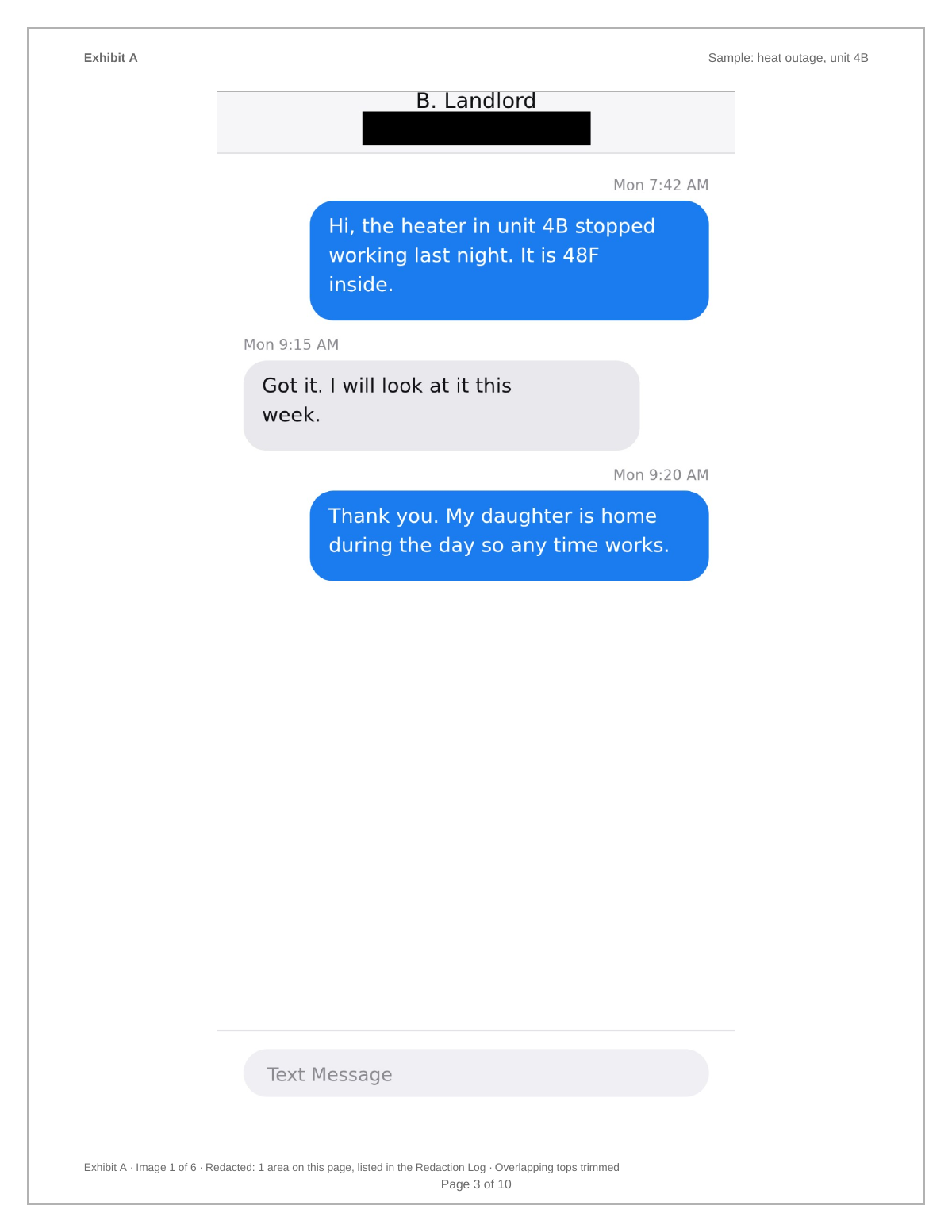
Names can change, so capture the profile
A Facebook display name is not fixed. A single capture of the profile at the time you built the exhibit records what the account was called and what it looked like, which is worth one extra page.
Desktop capture for long threads
Messenger on a desktop browser shows more messages per screen, which reduces the number of images for a long thread. Keep the browser at normal zoom so the text stays readable when printed, and capture the window rather than the whole desktop.
- Normal zoom, not reduced.
- Capture the window, not the full desktop.
- Keep the profile name in the first image.
What to include
- The profile name and picture at the top of the thread.
- Every visible time marker in the range.
- A capture of the sender's profile page.
- Media opened full screen.
- A redaction log for unrelated people.
Common mistakes
- Capturing only bubbles with no name or time markers.
- Zooming out in the browser until the text is tiny.
- Assuming the display name will still be the same next month.
- Presenting the data download alone with no screenshots.
- Screenshotting the whole desktop including other windows.
What the PDF should contain
- Cover page naming the platform, parties, and range.
- Profile capture page.
- Chronological thread screenshots.
- Page numbers with a total.
- Redaction log and hash appendix.
Build this exhibit on your phone
Add your screenshots, redact what should not be in the record, and export a numbered PDF. Nothing is uploaded.
Frequently asked questions
- Can I download my Facebook messages?
- Meta offers Download Your Information, which produces a data file of your messages. It is useful as a supporting exhibit but does not look like the conversation, so pair it with screenshots.
- Do Messenger screenshots show dates?
- Messenger shows a time marker above groups of messages rather than on every one. Keep every marker in frame and tap individual messages where the app reveals an exact time.
- What if the person changes their name?
- Capture their profile page at the time you build the exhibit. That page records the name and picture as they were when you captured them.
- Is it better to capture on a phone or a laptop?
- Either works. A laptop fits more messages per screen for long threads; keep the zoom at normal so the printed text stays readable.
- Does ThreadProof upload the screenshots?
- No. Images are processed in your browser and the PDF is generated on your device.
Summary
- Capture the profile header and the sender's profile page, because names change.
- Keep every visible time marker in frame while capturing in order.
- Treat the Meta data download as a supporting exhibit, not the main one.
Sources and further reading
Related guides
Cite this guide
ThreadProof team. “How to print Facebook Messenger messages for court.” ThreadProof, updated 2026-09-01. /guides/how-to-print-facebook-messenger-messages-for-court
ThreadProof helps you format and organise documents. Nothing here is legal advice, and ThreadProof makes no representation about how any document will be treated by any court, agency, or other body. Rules differ by place and by matter. Questions: abe.mainlinesites@gmail.com.