How to save text messages for an insurance claim
Save text messages for an insurance claim: capture the adjuster thread and damage photos in date order and send one numbered PDF with your claim number on the cover.
Written by the ThreadProof team · Last updated · About the team
Changelog: Added claim number labelling and photo capture guidance.
Quick answer
Capture the whole thread with the adjuster, contractor, or other driver in date order with times visible, include damage photos as full-screen pages, and send one numbered PDF with your claim number, the parties, and the date range on the cover page.
Insurance files pass between people. A single PDF with a claim number on the cover survives that journey; a set of loose images does not, and images sent one at a time frequently arrive out of order or get dropped from a file.
Photos are usually the heart of the claim. Capture each one full screen rather than as a thumbnail in a bubble, so the detail survives printing.
Steps
- Start at the incident date. Begin the capture on or before the date of the incident, so the first report is inside the exhibit.
- Capture the full thread with times. Reveal per-message times and screenshot in order with a small overlap, including the contact header.
- Capture photos full screen. Open each photo you sent or received and capture it filling the screen, then keep it next to the message that carried it.
- Redact policy and bank numbers. Cover policy numbers, bank details, and unrelated third parties with solid black boxes and log each redaction.
- Label with the claim number. Put the claim number, the parties, and the date range on the cover page, then export the numbered PDF and send it as one attachment.
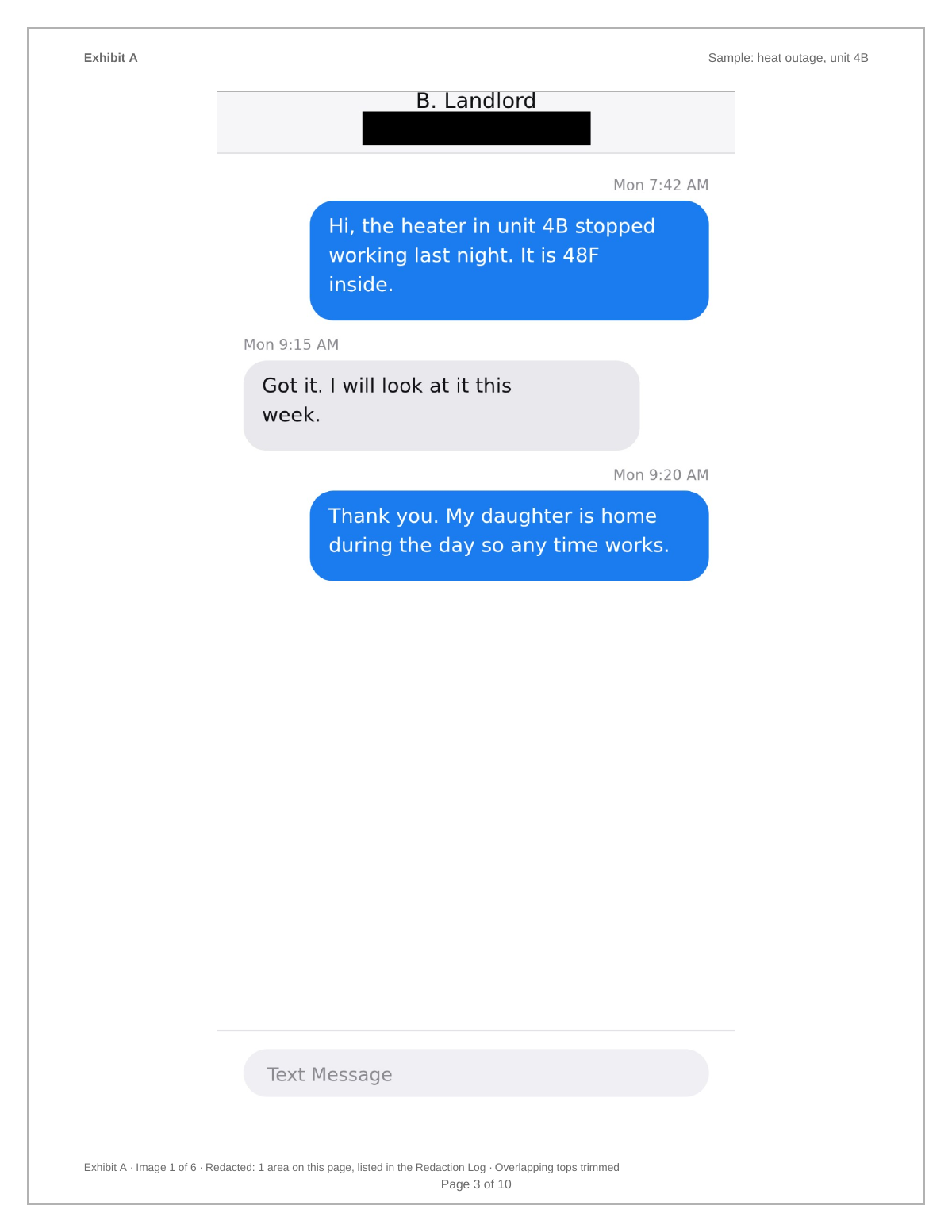
Why one file matters to an adjuster
Claim handlers work through queues and attach documents to a file. A single well-named PDF gets attached once and stays readable to whoever picks the file up next month. Twenty images require someone to sort and rename them, and that work often does not happen.
Keep the timeline honest
Include the messages where you were asked for something and did not reply straight away. Gaps that you explain read very differently from gaps that are discovered, and an insurer usually holds their own copy of the thread.
- Continuous date ranges.
- Both sides of the conversation.
- Photos in place, not collected at the end.
What to include
- Claim number and parties on the cover page.
- The full thread from the incident date onward.
- Damage photos captured full screen.
- Visible dates and times.
- A redaction log for policy and bank numbers.
Common mistakes
- Sending photos separately from the messages that referenced them.
- Leaving a policy number visible in a screenshot.
- Sending images one at a time over several emails.
- Cropping the thread to remove your own delays.
- Using a share link that expires instead of an attachment.
What the PDF should contain
- Cover page with claim number, parties, and range.
- Chronological messages with visible times.
- Full-screen photo pages in place.
- Page numbers with a total.
- Redaction log and hash appendix.
Build this exhibit on your phone
Add your screenshots, redact what should not be in the record, and export a numbered PDF. Nothing is uploaded.
Frequently asked questions
- Can I send text messages to my insurance company?
- Insurers accept documents in a claim file. Sending one organised PDF with the claim number on the cover is the format most likely to be attached correctly and read.
- How do I include damage photos?
- Open each photo full screen in the thread and capture it, then keep the photo page immediately after the message that sent it so the context is obvious.
- Should I redact my policy number?
- Cover it with a solid black box in the exhibit and log the redaction. Provide the number in the covering email or on the cover page instead.
- Does the file get uploaded to ThreadProof?
- No. Images are processed in your browser and the PDF is generated on your device.
- What if the adjuster called instead of texting?
- Capture the messages you do have and keep your own contemporaneous notes of calls in a separate document. Do not add notes onto the message pages.
Summary
- One PDF with the claim number on the cover travels through a claim file intact.
- Capture damage photos full screen and keep them beside their message.
- Redact policy and bank numbers with solid boxes and log them.
Sources and further reading
Related guides
Cite this guide
ThreadProof team. “How to save text messages for an insurance claim.” ThreadProof, updated 2026-09-01. /guides/how-to-save-text-messages-for-insurance-claim
ThreadProof helps you format and organise documents. Nothing here is legal advice, and ThreadProof makes no representation about how any document will be treated by any court, agency, or other body. Rules differ by place and by matter. Questions: abe.mainlinesites@gmail.com.