How to document text messages for an HR complaint
Document text messages for an HR complaint: capture the thread in date order, redact uninvolved colleagues, and hand over one numbered PDF instead of loose images.
Written by the ThreadProof team · Last updated · About the team
Changelog: Added guidance on personal devices and third-party redaction.
Quick answer
Capture the full conversation in date order with times visible, cover the names of colleagues who are not part of the complaint with solid black boxes, and hand HR one numbered PDF with a cover page rather than a folder of screenshots.
An HR complaint is read by people who were not there and who have to summarise it for someone else. A single ordered document with page numbers is far easier for them to work with than an email carrying twenty images, and it means your account cannot be reshuffled.
Privacy matters more here than in most settings, because a workplace thread usually mentions people who have nothing to do with the complaint. Cover them and log it.
Steps
- Decide the range before you start. Choose a start date that predates the first incident. Then capture continuously to the most recent message so the sequence is complete.
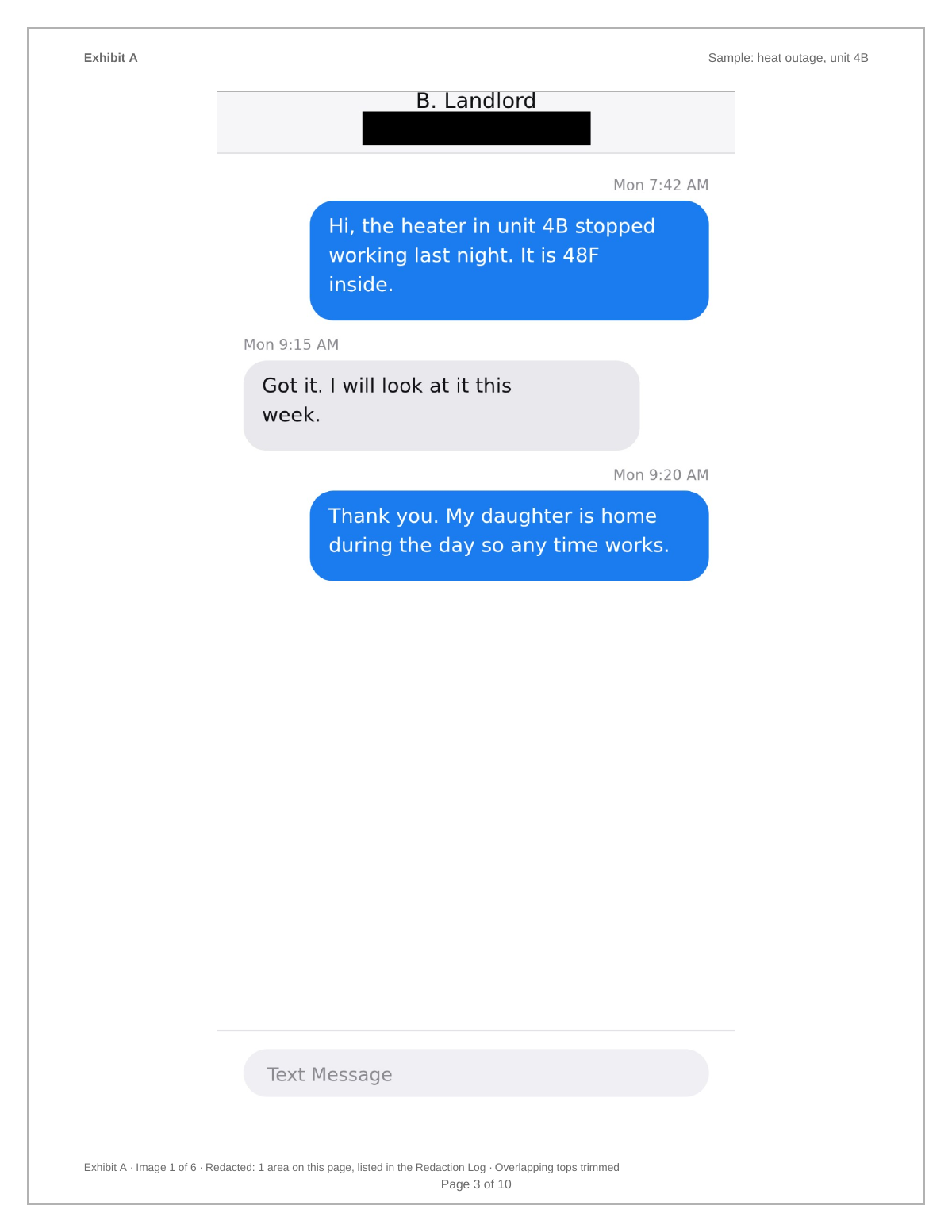
- Capture with times visible. Reveal per-message times and screenshot the thread in order with a small overlap, including the header that names the other person.
- Redact uninvolved colleagues. Cover names, numbers, and details of people who are not part of the complaint with solid black boxes, and record each on the redaction log.
- Add a plain index. List each incident with the date and page number so an investigator can find it without reading everything twice.
- Send one PDF. Export a numbered PDF with a cover page naming the parties and range, and attach that single file to your complaint.
Personal devices and company policy
If the messages are on your own phone, they stay on your own phone. ThreadProof processes images in the browser, so nothing is uploaded while you build the document. Check your employer's policy before sharing anything from a company device or a company account, and if in doubt ask before you export.
Keep your own words in
Include your replies exactly as sent. An exhibit that shows only one side reads as edited, and investigators ask for the rest anyway. If a reply of yours is uncomfortable, it is better in the document with context than discovered later.
- Both sides of the thread.
- Continuous dates, no gaps.
- No annotations on the message pages.
What to include
- Names of the parties on the cover page.
- Continuous dates covering every incident.
- Visible times on each message.
- An index of incidents by page number.
- A redaction log for uninvolved colleagues.
Common mistakes
- Sending twenty separate image attachments in one email.
- Removing your own replies from the thread.
- Leaving uninvolved colleagues identifiable.
- Writing commentary across the screenshots themselves.
- Deleting messages from the phone after exporting.
What the PDF should contain
- Cover page with parties and date range.
- Index of incidents with page numbers.
- Chronological screenshots with visible times.
- Page numbers with a total.
- Redaction log and hash appendix.
Build this exhibit on your phone
Add your screenshots, redact what should not be in the record, and export a numbered PDF. Nothing is uploaded.
Frequently asked questions
- Can I use text messages in an HR complaint?
- Workplace investigations routinely look at messages. What matters practically is that the record is complete, ordered, and easy for an investigator to read and reference.
- Should I redact other employees?
- Cover people who are not involved with solid black boxes and log each redaction. Never blur, because blur can sometimes be reversed.
- Do I have to hand over my phone?
- Ask HR what they need before offering anything. A complete, numbered PDF with the original screenshots retained is usually what an investigator wants first.
- What about Slack or Teams messages?
- Capture them the same way with screenshots that show dates and the channel or thread name, and keep them as a separate labelled exhibit.
- Will my messages be uploaded anywhere?
- Not by ThreadProof. Images are processed in your browser and the PDF is generated on your device.
Summary
- Hand over one numbered PDF, not a folder of images.
- Keep both sides of the thread and continuous dates.
- Cover uninvolved colleagues with solid boxes and log every redaction.
Sources and further reading
Related guides
Cite this guide
ThreadProof team. “How to document text messages for an HR complaint.” ThreadProof, updated 2026-09-01. /guides/how-to-document-text-messages-for-hr-complaint
ThreadProof helps you format and organise documents. Nothing here is legal advice, and ThreadProof makes no representation about how any document will be treated by any court, agency, or other body. Rules differ by place and by matter. Questions: abe.mainlinesites@gmail.com.