How to screenshot text messages with the date and time showing
Screenshot text messages with the date and time visible on iPhone and Android, then keep those timestamps intact in a single numbered PDF exhibit.
Written by the ThreadProof team · Last updated · About the team
Changelog: Refreshed the iOS drag gesture and Android per-message tap behaviour.
Quick answer
On iPhone, drag the message bubbles to the left to reveal a time beside every message, then screenshot while the times are showing. On Android, tap a message to reveal its exact time or enable timestamps in your messaging app settings, and keep the date dividers in frame.
The date is the first thing anyone looks for in a message screenshot, and it is the detail most often cropped out. Both iPhone and Android can show a time for every message; the controls are just hidden by default.
Once the times are visible, capture the thread top to bottom with a small overlap between shots so no messages fall between images.
Steps
- iPhone: drag the bubbles left. Open the thread in Messages and drag the conversation gently to the left. A time appears next to each bubble. Hold that position while you take the screenshot.
- Android: tap or enable timestamps. Tap an individual message to reveal its exact time, or open your messaging app settings and turn timestamps on so they appear under every message.
- Keep the date dividers in frame. Both platforms print a date banner between days. Never crop it out to fit more messages onto one screen.
- Capture with overlap. Scroll about eighty percent of a screen between shots so each image repeats a line or two from the previous one.
- Check before you stop. Look back through the images and confirm every day in the range has at least one visible date banner and one visible time.
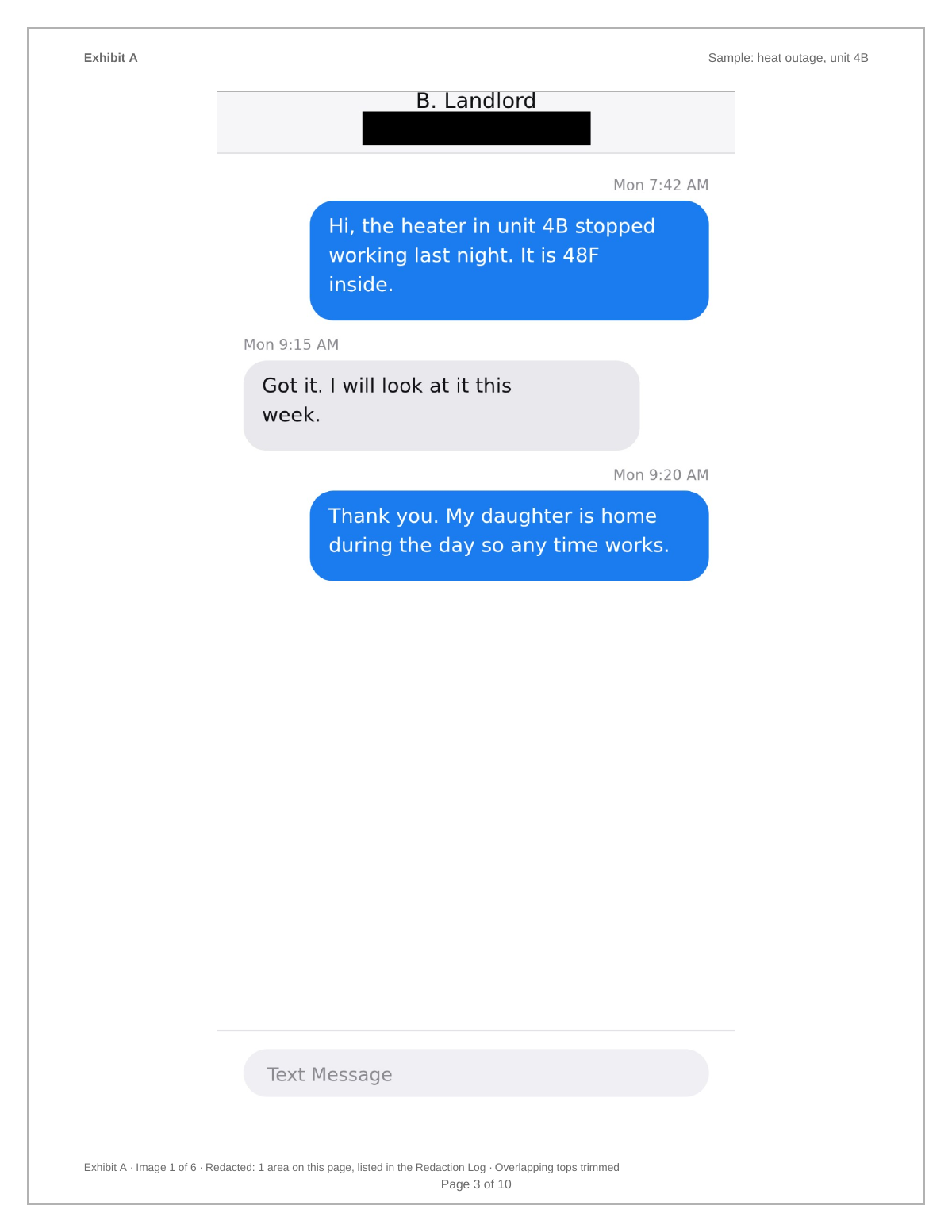
Time zones and phone clocks
A phone shows times in its own current time zone, so a conversation captured after travel can show different times than the recipient saw. If that could matter, note the phone's time zone on the cover page. It costs one line and removes a confusing question later.
What to do when the app hides times
Some third-party apps only show a time when a message is tapped or long-pressed. In that case, capture the normal thread for continuity and add individual captures showing the exact time of the messages that matter, placed immediately after the page they relate to.
- Continuous capture first.
- Detail captures second, in place.
- State the method on the cover page if you mixed both.
What to include
- A visible date banner for each day in the range.
- Per-message times where the app can show them.
- The contact header at the top of the thread.
- The time zone of the capturing phone, if relevant.
- Continuous overlap between screenshots.
Common mistakes
- Cropping the date banner to fit more bubbles on screen.
- Screenshotting with a notification covering the clock.
- Capturing only the messages and not the surrounding days.
- Editing a screenshot to add a date, which destroys its value.
- Zooming out so far that the time is unreadable in print.
What the PDF should contain
- Cover page stating the range and the phone's time zone.
- Screenshots with visible date banners.
- Detail captures of exact times where needed.
- Page numbers with a total.
- Hash appendix for every source image.
Build this exhibit on your phone
Add your screenshots, redact what should not be in the record, and export a numbered PDF. Nothing is uploaded.
Frequently asked questions
- How do I see the time of every text on iPhone?
- Drag the message bubbles to the left inside the thread. iOS slides the conversation over and shows the time for each message on the right side of the screen.
- How do I show timestamps on Android?
- Tap a message to reveal its exact time, or open your messaging app settings and enable timestamps so a time appears under each message.
- Can I add the date to a screenshot afterwards?
- No. Editing an image after capture removes the reason people trust a screenshot. Recapture with the times visible instead.
- Do timestamps show the recipient's time zone?
- They show the capturing phone's time zone. If travel or a different zone could confuse the sequence, state the zone on the cover page.
- What if only some messages show a time?
- Include the thread as it appears and add individual detail captures for the messages where the exact time matters, placed right after the page they relate to.
Summary
- iPhone reveals times with a left drag; Android reveals them with a tap or a settings switch.
- Never crop a date banner to fit more messages on screen.
- Note the phone's time zone on the cover page when it could matter.
Sources and further reading
Related guides
Cite this guide
ThreadProof team. “How to screenshot text messages with the date and time showing.” ThreadProof, updated 2026-09-01. /guides/how-to-screenshot-text-messages-with-date-and-time
ThreadProof helps you format and organise documents. Nothing here is legal advice, and ThreadProof makes no representation about how any document will be treated by any court, agency, or other body. Rules differ by place and by matter. Questions: abe.mainlinesites@gmail.com.