How to send text message evidence to your lawyer
Send your lawyer one numbered PDF instead of forty images: what to include, how to name the file, and what to keep on your own device afterwards.
Written by the ThreadProof team · Last updated · About the team
Changelog: Added the file naming convention and the covering email template.
Quick answer
Send one PDF per conversation, named with the matter, the exhibit label, and the date range, attached to a short covering email that lists what is included and what was redacted. Keep the original screenshots on your device and say in the email that they are available.
Law offices handle documents, not photo libraries. A single named PDF gets saved into a matter file in one action; forty images arrive as forty attachments that somebody has to sort, and that sorting often gets billed to you.
The covering email matters almost as much as the file. Three lines telling them what the exhibit covers saves a phone call.
Steps
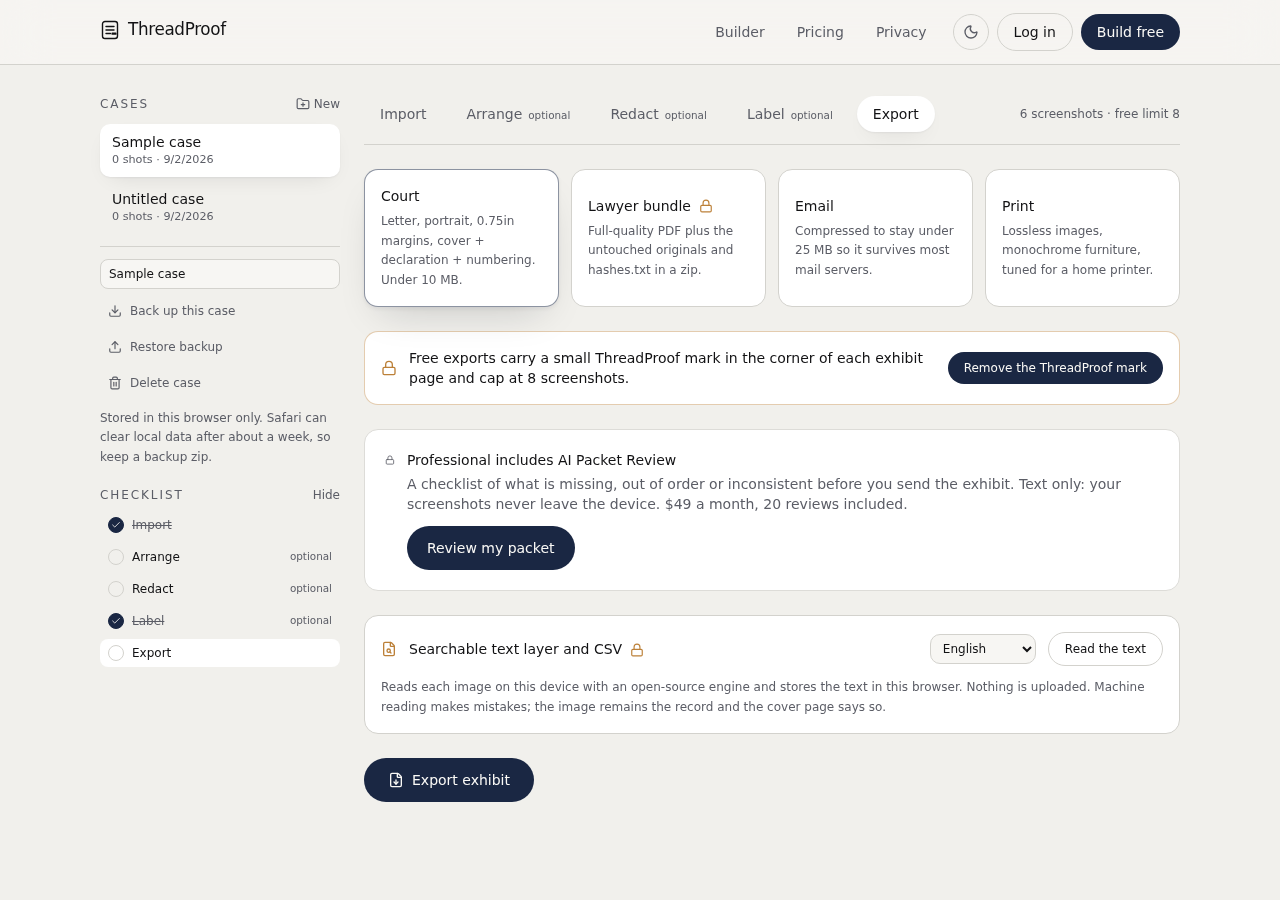
- Build one PDF per conversation. Give each thread its own document with a cover page, chronological pages, numbering, redaction log, and hash appendix.
- Name the file clearly. Use a pattern such as Smith-v-Jones-Exhibit-A-texts-2026-01-04-to-2026-03-22.pdf so it is identifiable in an attachment list.
- Write a short covering email. State what the exhibit is, the date range, the page count, what was redacted, and that the original screenshots are available on request.
- Attach the file, not a link. Attachments get saved into a matter file. Share links expire, require sign-in, and often cannot be filed.
- Keep everything on your side. Retain the originals, the exported PDF, and a note of what you sent and when.
Covering email template
Adapt these lines to your matter. Keep them factual and short.
- Attached is Exhibit A: text messages with [name] from [start date] to [end date].
- The exhibit is [N] pages, numbered consecutively, in date order.
- I covered [categories] with solid boxes; each is listed on the redaction log page.
- The original screenshots are on my phone and I can send them if you need them.
If the office uses a portal
Many firms use a client portal. Upload the same single PDF there rather than the individual images, and keep the file name identical to what you would have emailed so both records match.
What to include
- One PDF per conversation with a cover page.
- A file name carrying matter, exhibit label, and range.
- A covering email stating range, page count, and redactions.
- An offer to supply the original screenshots.
- A record on your side of what you sent.
Common mistakes
- Sending forty individual images across several emails.
- Using an expiring share link instead of an attachment.
- Sending unredacted material without checking what is in it.
- Naming files IMG_4821.PNG and leaving the sorting to someone else.
- Deleting the source screenshots once the file is sent.
What the PDF should contain
- Cover page with matter, parties, and range.
- Chronological message pages.
- Page numbers with a total.
- Redaction log.
- Hash appendix.
Build this exhibit on your phone
Add your screenshots, redact what should not be in the record, and export a numbered PDF. Nothing is uploaded.
Frequently asked questions
- What format does a lawyer want text messages in?
- A single PDF per conversation, in date order, with page numbers. Ask the office if they have a preferred naming or labelling convention and follow it.
- Should I redact before sending to my own lawyer?
- Ask first. Your lawyer may want the unredacted version for their own review and a redacted version for exchange. Keep both and label them clearly.
- Can I send a link instead of an attachment?
- Attachments are easier to file and do not expire. Use a portal if the firm provides one, and upload the same single PDF.
- Do they need the original screenshots too?
- Offer them. Keep the originals unchanged so the hashes in the appendix can be verified against them if needed.
- What if there are several conversations?
- One exhibit per conversation, labelled sequentially, each with its own cover page and page numbering.
Summary
- One named PDF per conversation, attached, not linked.
- A four-line covering email stating range, pages, and redactions.
- Keep the originals and offer them.
Related guides
Cite this guide
ThreadProof team. “How to send text message evidence to your lawyer.” ThreadProof, updated 2026-09-01. /guides/how-to-send-text-message-evidence-to-your-lawyer
ThreadProof helps you format and organise documents. Nothing here is legal advice, and ThreadProof makes no representation about how any document will be treated by any court, agency, or other body. Rules differ by place and by matter. Questions: abe.mainlinesites@gmail.com.