ThreadProof vs Decipher TextMessage
An honest comparison: ThreadProof builds a numbered PDF from phone screenshots in your browser; Decipher TextMessage reads a desktop backup. When each one fits.
Written by the ThreadProof team · Last updated · About the team
Changelog: Rewrote the comparison table and added the 'when the other tool is better' section.
Quick answer
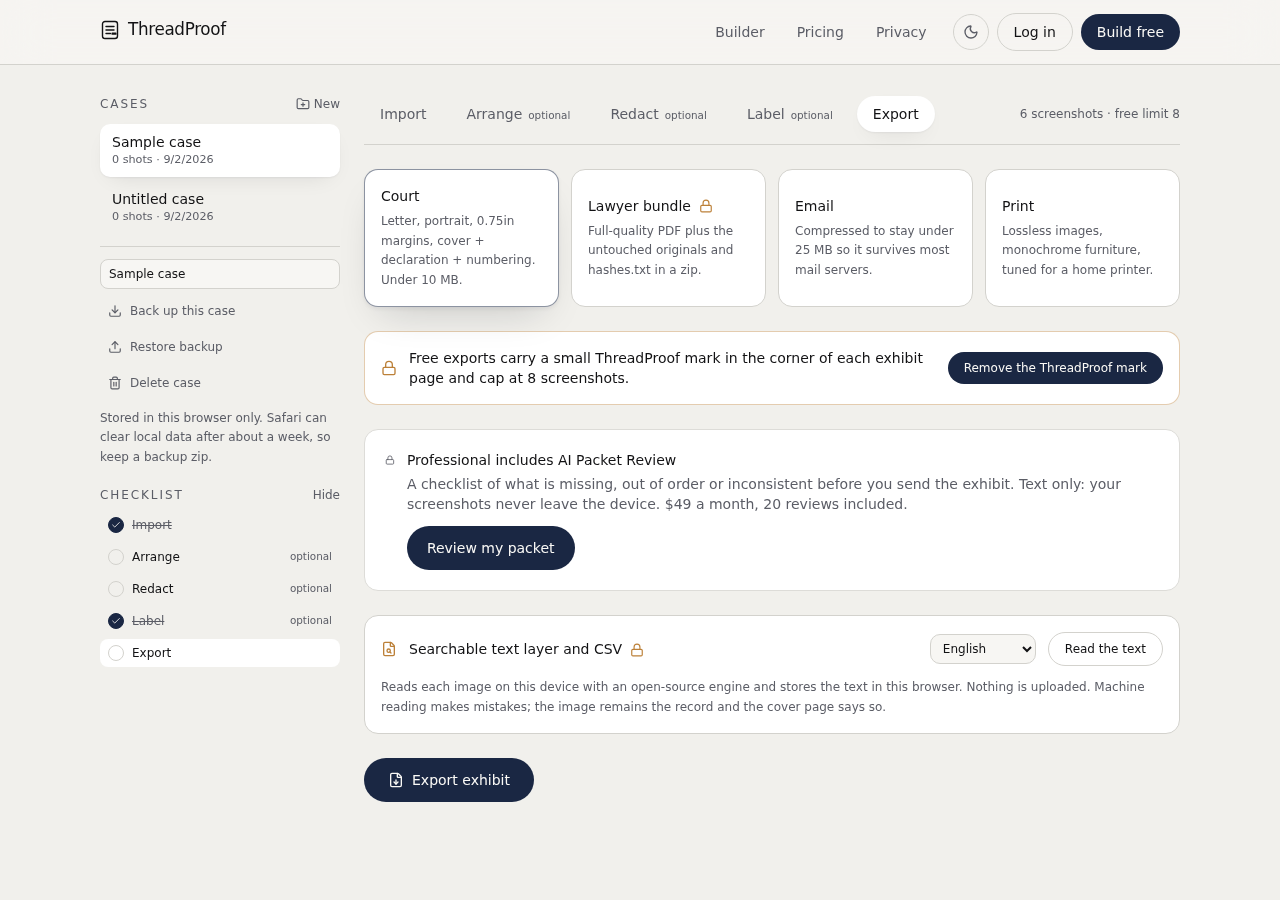
ThreadProof turns phone screenshots into a numbered PDF exhibit in your browser, with redaction and a hash appendix, and never uploads anything. Decipher TextMessage is desktop software that reads an iPhone backup on a computer and prints message records from the database.
These two tools solve different halves of the same problem. One packages what you can see on your phone; the other reads what is stored inside a computer backup of that phone.
This page describes both fairly. Decipher TextMessage is made by a different company and this comparison is based on its publicly documented behaviour rather than any relationship with them.
Steps
- Decide whether deletion is at issue. If deleted messages matter, a backup-reading tool is the direction to look. Screenshots only capture what is on the device now.
- Decide whether you have a computer. Backup-based software needs a computer and a full device backup. ThreadProof needs only the phone browser.
- Decide what the output must look like. A screenshot shows the screen as the parties saw it. A backup report shows records rendered by software.
- Consider privacy. ThreadProof processes images in your browser and uploads nothing. A desktop tool keeps data on your computer, which is also local, but requires making a full backup first.
- Pick the packaging you need. If you need a cover page, numbering, redaction, and a hash appendix in one file, that is what ThreadProof produces by default.
When Decipher TextMessage is the better choice
Choose backup-reading software when the volume is very large, when you need to look for messages that were deleted from the device, or when a professional will work from message records rather than the on-screen appearance. Those are real needs, and screenshots do not meet them.
When ThreadProof is the better choice
Choose ThreadProof when you have the conversation on your phone, you want it packaged as a numbered exhibit today, and you have no computer or no wish to make a full backup. The output is a paginated PDF with a cover page, redaction log, and hash appendix, built on the device.
- No computer needed.
- Nothing uploaded.
- Redaction and numbering built in.
ThreadProof compared with Decipher TextMessage
| ThreadProof | Decipher TextMessage | |
|---|---|---|
| Runs on | Any browser, including the phone | Windows or Mac desktop |
| Input | Screenshots you take | An iPhone backup on a computer |
| Deleted messages | No | Sometimes recoverable |
| Output | Numbered PDF exhibit with cover page | Printed or saved message records |
| Redaction | Built in, solid boxes, logged | Not a focus |
| Hash appendix | Yes, SHA-256 per source image | Not a focus |
| Data leaves the device | No | Stays on the computer, backup required |
What to include
- The conversation captured in continuous ranges.
- A cover page naming the source and method.
- Page numbers with a total.
- A redaction log.
- A hash appendix.
Common mistakes
- Buying extraction software for a twenty-message dispute.
- Relying on screenshots when deletion is the central issue.
- Presenting a raw database report with no cover page or numbering.
- Mixing outputs from two tools in one unlabelled file.
- Assuming either tool makes a document acceptable anywhere in particular.
What the PDF should contain
- Cover page naming the tool and method used.
- Chronological message pages.
- Page numbers with a total.
- Redaction log.
- Hash appendix.
Build this exhibit on your phone
Add your screenshots, redact what should not be in the record, and export a numbered PDF. Nothing is uploaded.
Frequently asked questions
- Is ThreadProof a replacement for Decipher TextMessage?
- No. They do different jobs. ThreadProof packages screenshots into a numbered exhibit in your browser; Decipher reads an iPhone backup on a computer and can sometimes surface deleted messages.
- Which one recovers deleted messages?
- Backup-reading software can sometimes recover messages that are no longer on the device. Screenshots cannot, because they capture only what is currently displayed.
- Do I need a computer for ThreadProof?
- No. It runs in the phone browser and generates the PDF on the device.
- Which produces a more presentable document?
- ThreadProof outputs a paginated exhibit with a cover page, redaction log, and hash appendix. A backup report generally needs further formatting before it is handed to anyone.
- Can I use both?
- Yes. Keep them as separate labelled exhibits and state on each cover page which method produced it.
Summary
- Screenshots into a numbered PDF versus a desktop backup reader; different jobs.
- Use backup software when deleted messages or very large volumes matter.
- Use ThreadProof when you want a packaged exhibit today, on the phone, with nothing uploaded.
Related guides
Cite this guide
ThreadProof team. “ThreadProof vs Decipher TextMessage.” ThreadProof, updated 2026-09-01. /guides/threadproof-vs-decipher-textmessage
ThreadProof helps you format and organise documents. Nothing here is legal advice, and ThreadProof makes no representation about how any document will be treated by any court, agency, or other body. Rules differ by place and by matter. Questions: abe.mainlinesites@gmail.com.